Most powerful App
with Bluetooth Streaming
(Support iOS & Android)
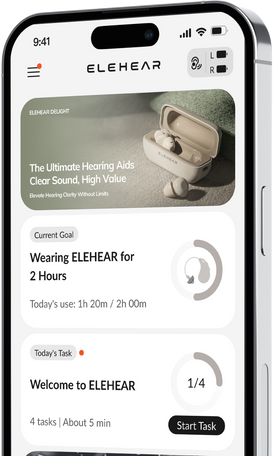
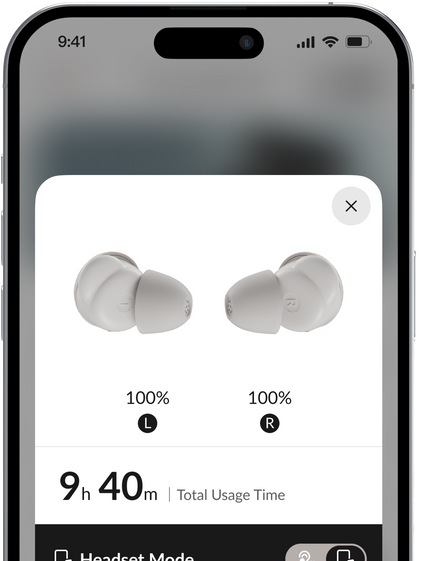
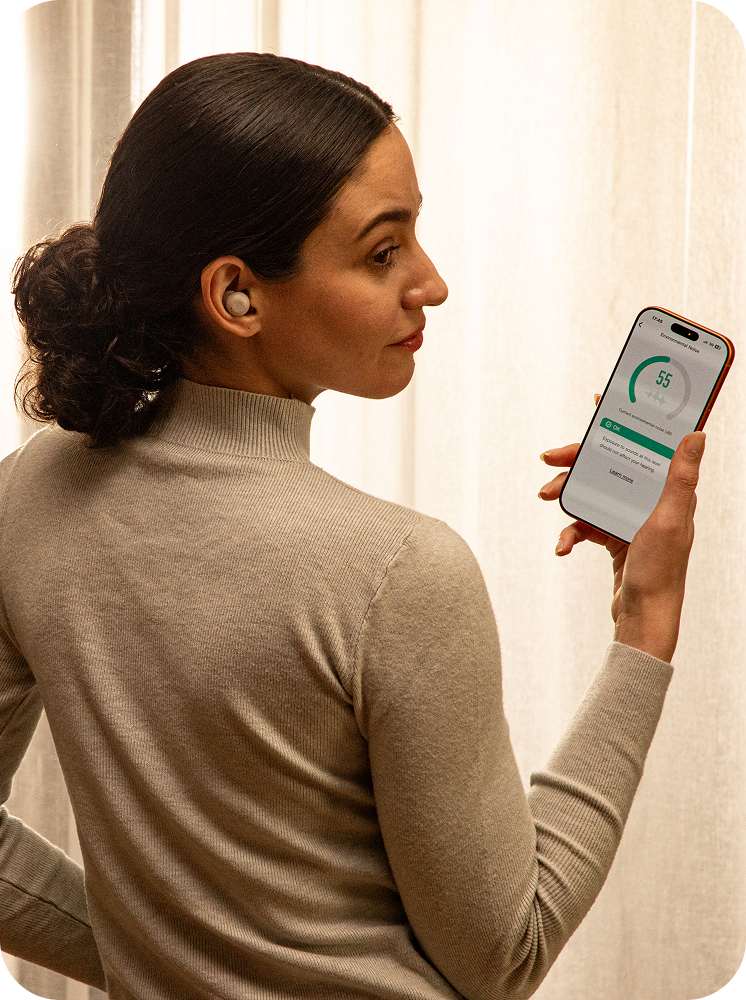
Customise your Spark E1 experience with the ELEHEAR App. Your sound preferences should feel personal to you, which is why the ELEHEAR App allows you to adjust everyday sound settings, manage Bluetooth streaming, and personalise your listening experience with ease.
SERENE NATURAL SOUNDSCAPES
Relax with calming background sounds

The ELEHEAR App includes Serene natural soundscapes designed to create a softer listening background when you want to relax, focus, or wind down.
Choose from a selection of nature-inspired sounds and adjust playback to suit your preference.
Explore conversations in more languages
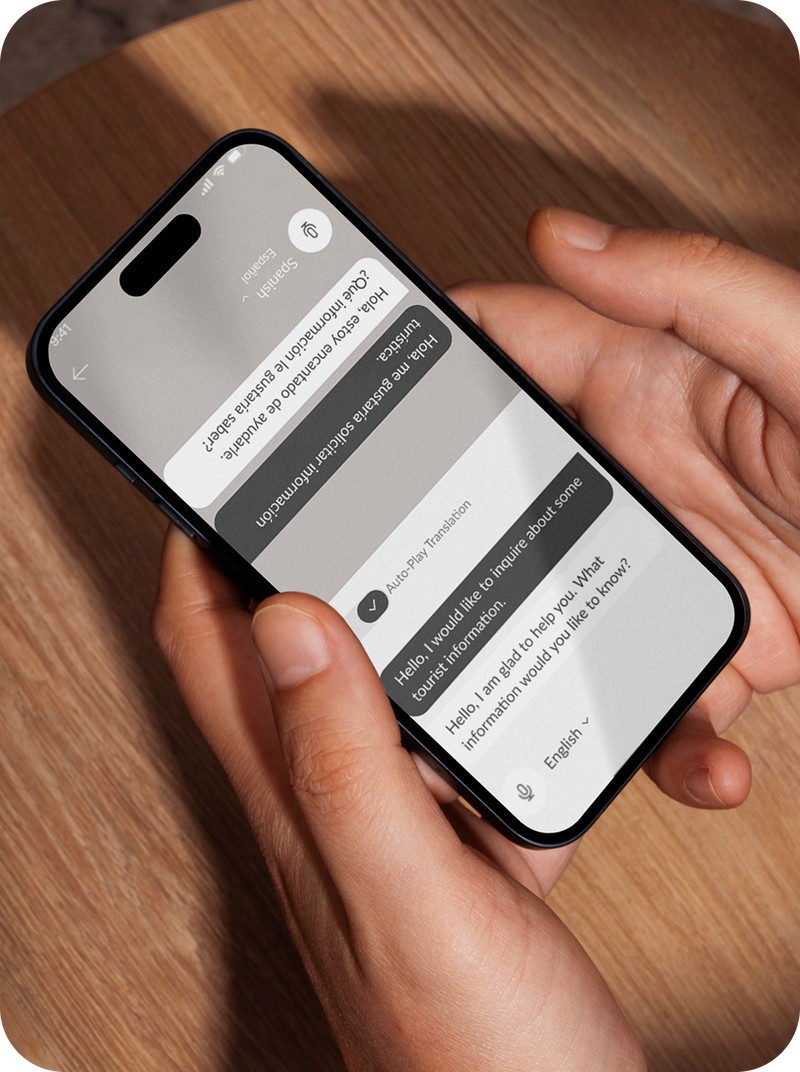
The ELEHEAR App supports real-time AI translation for selected languages, helping you follow translated speech through your connected Spark E1 device.
Use translation during travel, daily conversations, or multilingual moments when you want extra support understanding another language.


20 LANGUAGES SUPPORTED
Supported languages include


Personalised Sound Tuning
Adjust sound to your listening preferences
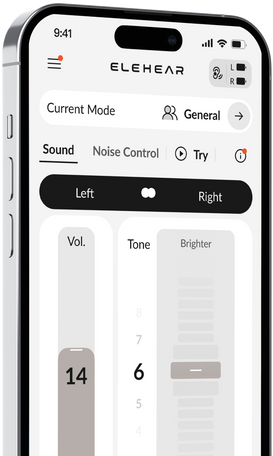
Spark E1 gives you flexible control over your audio output. Through the ELEHEAR App, you can fine-tune sound settings to match your personal preferences and everyday environments.
Make quick adjustments when you move between quiet rooms, outdoor spaces, conversations, and media streaming.


Personalised audio output
Experience sound tailored to your unique hearing profile for clearer, more natural conversations.

Adjustable sound settings
Fine-tune volume, clarity, and sound balance to match your environment and preferences.

Preset listening options
Switch between optimized listening modes designed for everyday situations like conversations, TV, or outdoor settings.

Easy app-based control
Manage your hearing experience effortlessly with simple controls directly from your smartphone.
REMOTE SOUND CAPTURE
Focus on selected sound sources
Remote Sound Capture lets your smartphone act as an additional sound source through the ELEHEAR App.
Place your phone near the sound you want to focus on, such as a speaker or TV, and listen through your Spark E1 device.
This feature is useful when you want more control over where sound is being picked up from in your environment.

GET HELP WITH SETUP AND DEVICE USE
Need help using Spark E1?
ELEHEAR support can assist with app setup, Bluetooth pairing, device controls, firmware updates, and general troubleshooting.
Our support team can guide you through everyday product use, so you can get more from your Spark E1 experience.
OTA Firmware Updates
Keep your device up to date
Spark E1 supports wireless firmware updates through the ELEHEAR App.
When updates are available, you can access the latest improvements directly from your smartphone.